After you apply for a driving licence in Punjab, the hardest part is the wait. You do not need to visit a licensing office just to ask where your card has reached. DLIMS licence tracking lets you follow your application from home, using only your CNIC number, on the official Driving License Issuance Management System portal run with the Punjab Information Technology Board.
This guide explains how to track your application step by step, what each status message means, how tracking differs from licence verification, and what to do when no record is found.
Status You May See
What It Usually Means
In processing:
Application is being checked
In printing queue:
Card is waiting to be printed
Dispatched:
Card has been sent for delivery
Pakistan Post tracking:
Follow delivery on the postal site
No record found:
Details mismatch or not yet entered
Track Your Application by CNIC
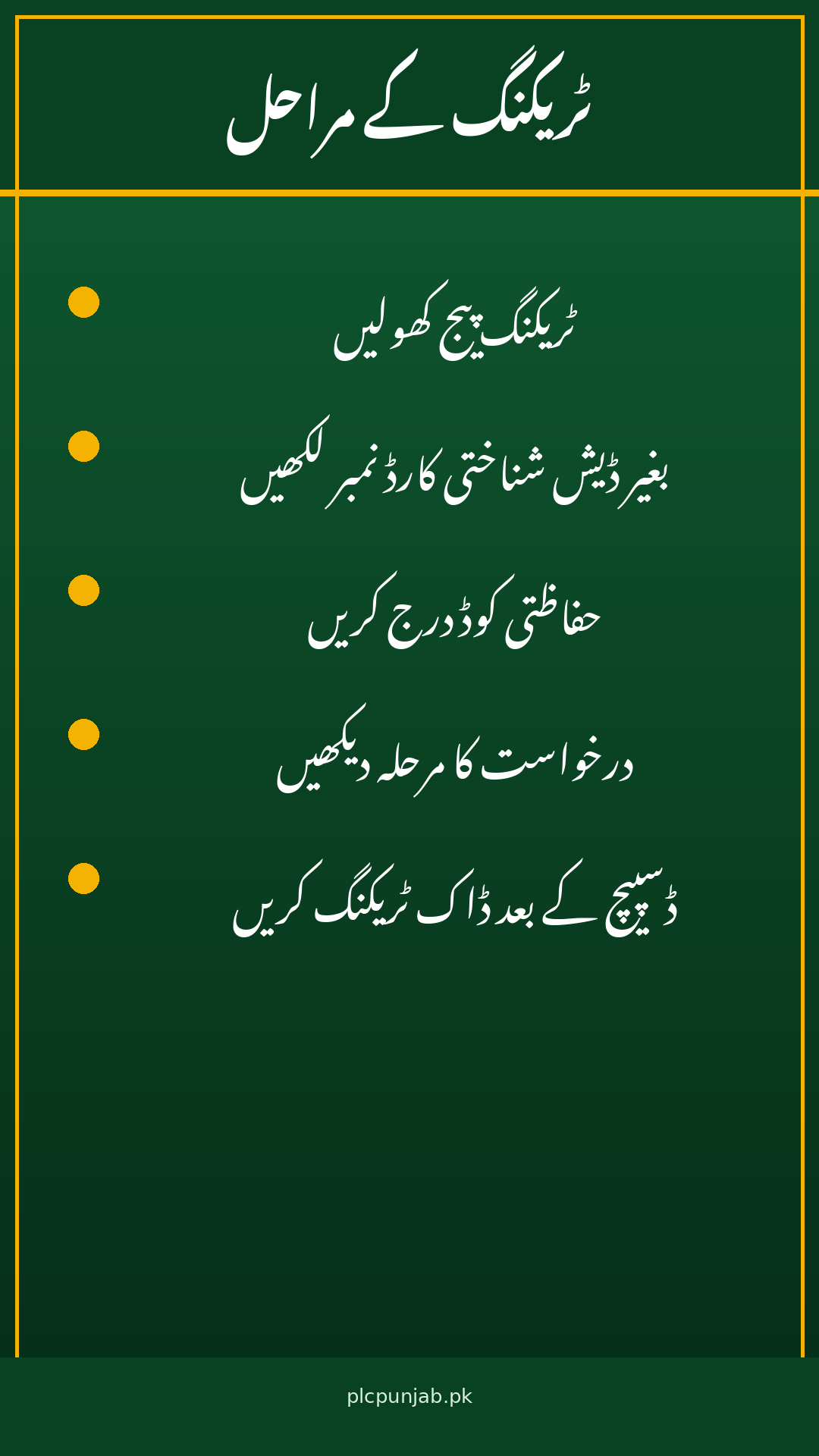
Open the tracking page: Go to the official DLIMS tracking page at dlims.punjab.gov.pk/track and look for the Track License option.
Enter your CNIC: Type your 13-digit CNIC number without dashes and without spaces, exactly as it appears on your card.
Complete the check: Answer the small security check shown on screen, which confirms the request is coming from a person.
Press Track License: Submit the form and your current application status will appear on screen.
Read the stage: The result shows the stage your card has reached, such as processing, printing queue or dispatched.
Use the postal number: Once printing is complete and the card is dispatched, a Pakistan Post tracking number is provided through the system, so you can follow delivery on the postal service’s website.
Check again after a few days: Printing and dispatch take time. If the stage has not changed, wait a few days before checking again rather than visiting an office.
Save a screenshot: Keep a screenshot of your tracking result. It helps support staff find your record quickly if you later need to ask about a delay.
No tracking ID needed: The Punjab tracker asks only for your CNIC or passport number. Keep your PSID receipt safe anyway, because support staff may ask for it.
Track License: This follows an application that is still in progress, from submission and verification through printing and dispatch.
Verify License: This is a separate option on the same portal. It confirms whether an already issued licence is genuine and active.
What verification shows: It shows the licence’s current status, its category, such as motorcycle, LTV or HTV, and its validity dates.
Who uses verification: Employers checking a driver’s credentials, and drivers double-checking their own licence, use this option.
Punjab licences only: DLIMS covers licences issued in Punjab. A licence issued in Islamabad, Sindh, Khyber Pakhtunkhwa or another province will show no record here.
How DLIMS Fits With the Dastak App
Apply on Dastak: Since mid-June 2026, the main licence services, including learner, renewal, duplicate and international licences, run through the Dastak app, the Punjab government’s single-window platform.
Track on DLIMS: DLIMS is part of the same system and handles form submission, verification, payment and card tracking. Tracking and verification still happen on the DLIMS portal.
One record: Whether you applied through Dastak or at a centre, your application record sits in the same system, so the CNIC tracker shows it.
Do not reapply: If tracking shows no record, do not submit a second application straight away, because a second application can mean a second fee.
If No Record Is Found
Recheck your CNIC: Make sure you typed the same CNIC you applied with, with no dashes, no spaces and no typing error.
Check the timing: If you applied very recently, your application may not have reached DLIMS yet. Wait a few days and check again.
Confirm the province: If your licence was issued outside Punjab, DLIMS will not hold it. Use that province’s own portal instead.
Visit your centre: If the message persists, visit the licensing centre where you applied, with your CNIC and PSID receipt, and ask how the card will be re-sent or handed over.
Use official channels only: Enter your CNIC only on the official DLIMS portal. Avoid unofficial websites or individuals who promise faster processing.
Contact and Helpline Details
Service
Details
Tracking portal:
dlims.punjab.gov.pk/track
What you need:
13-digit CNIC, no dashes
After dispatch:
Pakistan Post tracking number
In person:
Licensing centre where you applied
Carry with you:
CNIC and PSID receipt
Applies to:
Punjab-issued licences only
Conclusion
DLIMS tracking removes the guesswork from waiting for your driving licence. Open the official tracking page, enter your 13-digit CNIC without dashes, and read the stage your card has reached, from processing to printing queue to dispatch with a Pakistan Post tracking number. Remember that tracking follows an application in progress while verification confirms an issued licence, and never share your CNIC on an unofficial site. If no record appears, recheck your number, wait a few days, and then visit your licensing centre with your CNIC and PSID receipt.
FAQs
How do I track my Punjab driving licence by CNIC? Open dlims.punjab.gov.pk/track, enter your 13-digit CNIC without dashes, complete the security check, and press Track License.
What does “in printing queue” mean? It means your licence card is waiting to be printed. Check again after a few days for the next stage.
Do I need a tracking ID for DLIMS? No. The Punjab tracker asks only for your CNIC or passport number, though your PSID receipt is useful for support queries.
What is the difference between tracking and verification? Tracking follows an application in progress. Verification confirms whether an already issued licence is genuine, active and in date.
Why does DLIMS show no record for my licence? Either the CNIC was typed wrong, the application has not reached DLIMS yet, or the licence was issued outside Punjab.
Shahzad Sahil is the editor of plcpunjab.pk, covering Punjab government schemes including the Livestock Card, eligibility, registration and latest updates, with information verified from official sources for readers across Punjab.
The Punjab Cabinet has approved a fresh Rs 60 billion for Apni Chhat Apna Ghar, opening 40,000 more interest-free home loans for families across the province. Here is what the decision changes for you, who qualifies, and how to get your application ready before the new quota fills up. Detail Information Scheme name Apni Chhat…
Traffic cameras in Punjab now record many violations without a warden stopping you. If you drive in Lahore, Rawalpindi, Multan, Faisalabad or other Safe City areas, a Punjab e-Challan can be issued against your vehicle number for speeding, signal jumping or other violations. The good news is that you can check it and pay it…
Persons with disabilities in Punjab can receive a regular quarterly stipend through a dedicated bank card. The Punjab Himmat Card 2026 pays Rs 10,500 every quarter — Rs 42,000 a year — to certified persons with disabilities who are assessed as not fit to work. This guide explains who qualifies, how registration works, and how…
Good food in the first two years of life shapes a child’s health for years. The Benazir Nashonuma Programme is the nutrition support programme of the Benazir Income Support Programme that helps pregnant women, breastfeeding mothers and children under two years of age. It gives quarterly cash stipends and special nutritious food, along with health…
Many young people in Punjab want to earn online but do not know where to learn the right skills. e-Rozgaar Punjab is the provincial programme that teaches digital skills and freelancing, so trainees can offer services to clients at home and abroad. The programme has changed a lot since it started, and the biggest change…
If you live in a city in Punjab, your October post may have brought a bill you have never seen before. Under the Suthra Punjab programme, sanitation billing for urban homes and shops began in October 2026, with paper bills delivered to about five million properties across the province. The monthly fee depends on the…