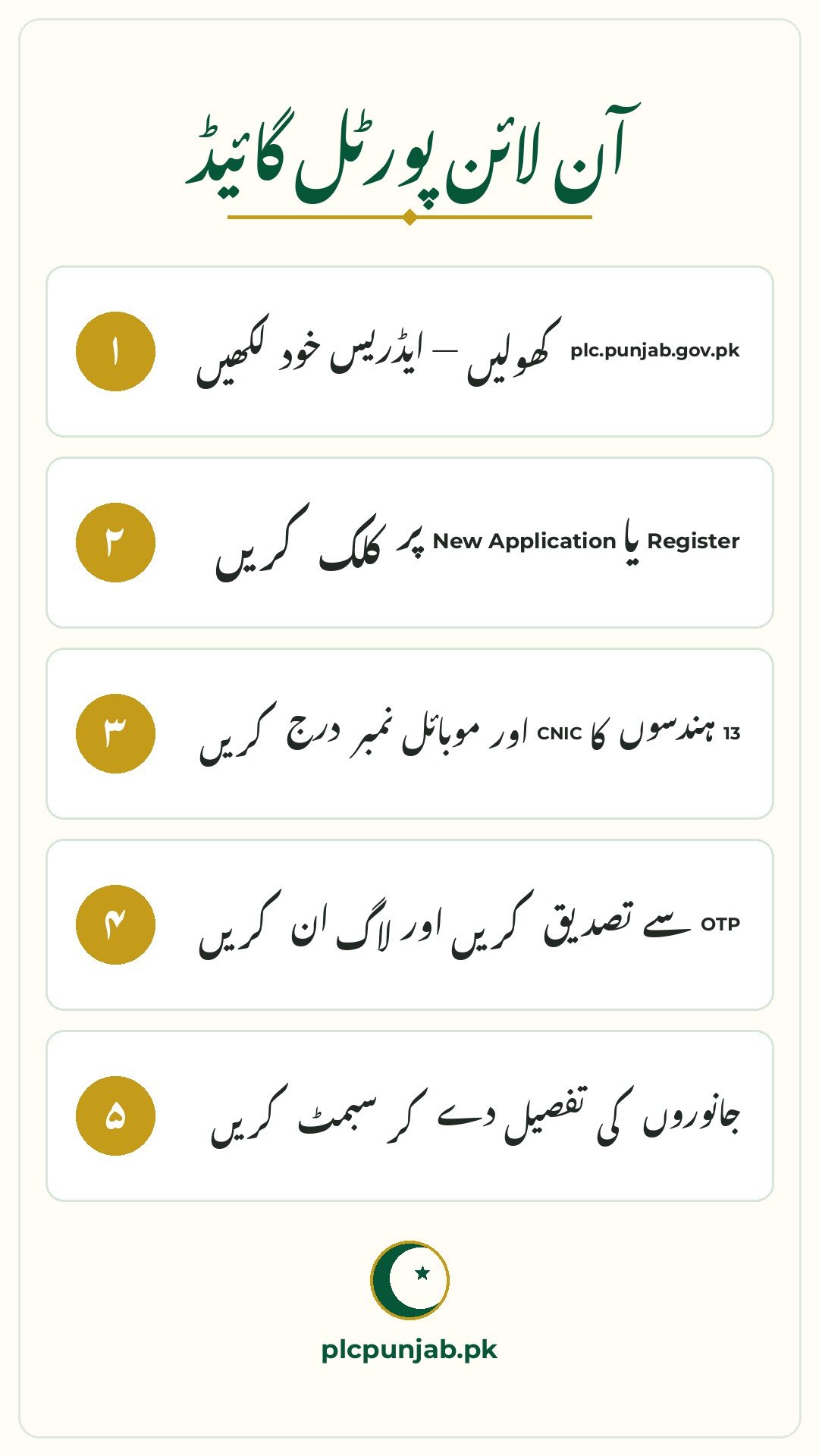
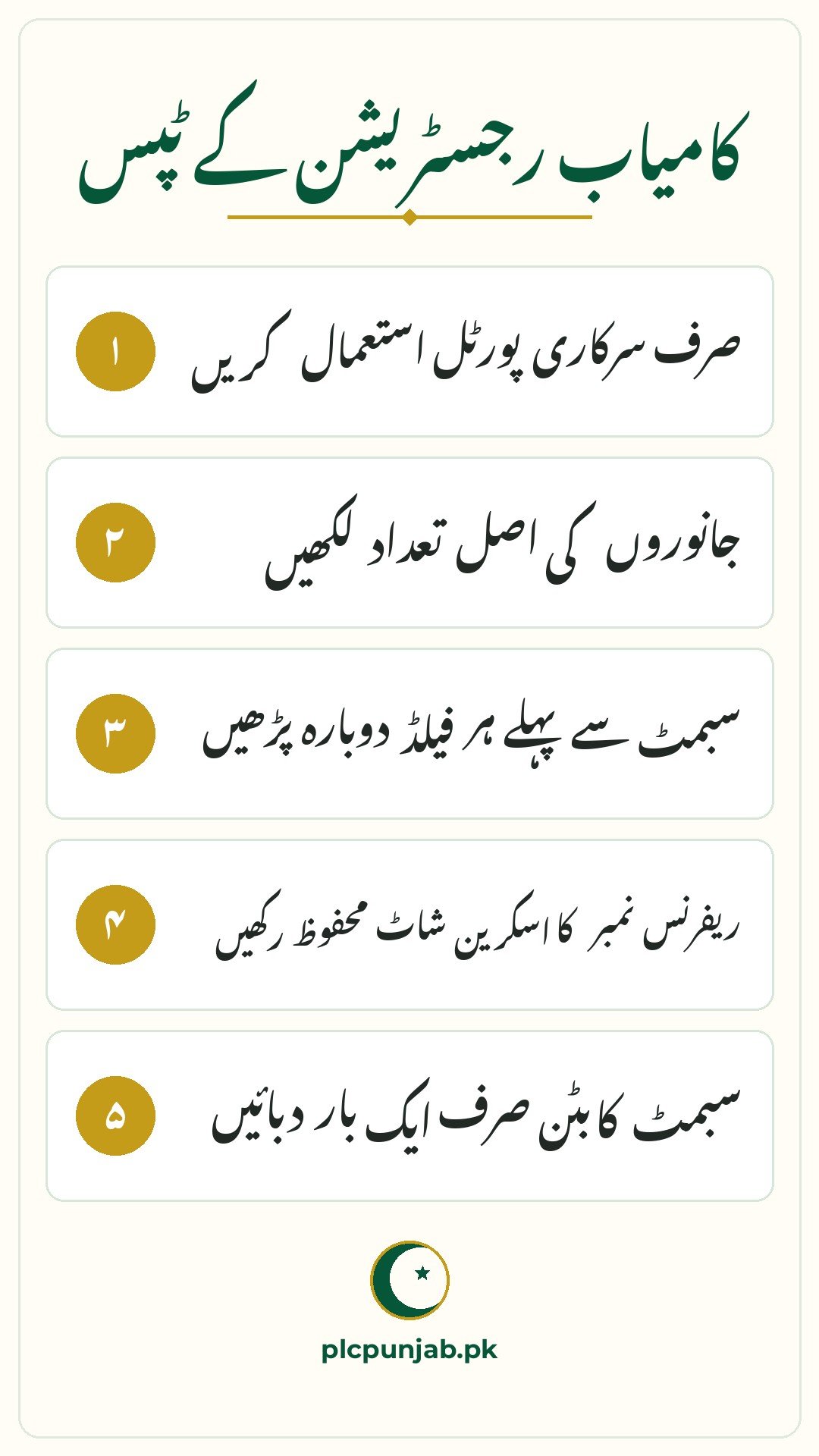
Skip the queues — register for the Livestock Card online from your phone or computer in 2026. The online registration portal is faster, gives you a tracking number, and lets you fix mistakes before submitting. This guide walks you through every screen.
Detail
Information
Feature
Livestock Card online registration
Portal
plc.punjab.gov.pk
Needs
CNIC, registered mobile, internet
Cost
Free
Year
2026
Before You Start
Keep these ready before opening the portal:
Your CNIC: 13 digits, valid and unexpired
Registered mobile: SIM in your own name for OTP codes
Livestock count: How many animals of each type you own
Livestock & Dairy Development Department, Government of Punjab
Conclusion
Online registration is the fastest, most reliable way to get your Livestock Card — no travel, no waiting, and a tracking number for peace of mind. Gather your documents, follow the steps above, and submit today.
FAQs
What is the official portal?
plc.punjab.gov.pk — the only official Livestock Card registration website.
What do I need to register online?
Your CNIC, a mobile number registered in your name, your livestock counts, and internet access.
How do I track my application?
Log in to plc.punjab.gov.pk with your account and enter your tracking number.
Can I register without internet?
Yes — send your CNIC to 8070 by SMS, or visit a veterinary hospital in person.
Shahzad Sahil is the editor of plcpunjab.pk, covering Punjab government schemes including the Livestock Card, eligibility, registration and latest updates, with information verified from official sources for readers across Punjab.
The CM Punjab Livestock Card SMS Registration allows eligible livestock farmers to start the application process by sending a simple SMS to 8070. This option is helpful for farmers who do not have easy access to the internet. However, for applicants who can use the internet, the official online portal (plc.punjab.gov.pk) is generally the better…
Once your Livestock Card is in your hands, the first question is simple: how much money is on it? Knowing your balance before you visit a dealer saves you time and embarrassment at the counter. In 2026, checking your Livestock Card balance is easy — you can do it online with your CNIC, through the…
The CM Punjab Livestock Card Status allows applicants to track the progress of their registration after submitting the online application. Farmers who have already registered through plc.punjab.gov.pk can check whether their application is under verification, approved, or requires additional information. Knowing your application status helps you stay updated and complete any remaining verification steps without…
On 14 October 2026, CM Punjab Maryam Nawaz launched Livestock Card Phase 2 in Lahore. She announced Rs16.2 billion in interest-free loans and a plan to make Punjab a calf hub linked with international meat exporters. CM Punjab Maryam Nawaz has put livestock farmers at the center of her agriculture policy. On 14 October 2026,…
No internet? No problem. The 8070 SMS service lets you register for the Livestock Card from any mobile phone in 2026. But one wrong character and your SMS goes nowhere. This guide gives you every code, the exact format, and what to do when you get no reply. Detail Information Feature 8070 SMS registration service…
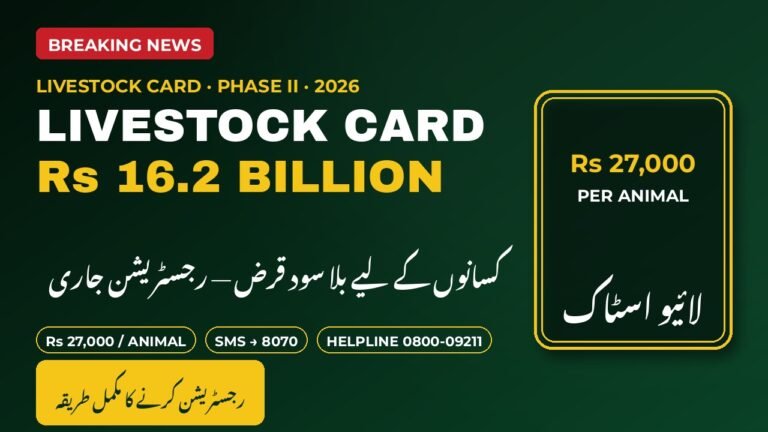
The registration window for the Punjab Livestock Card Phase II is now open, and Rs 16.2 billion in interest-free loans are waiting for eligible livestock farmers. If you keep cattle or buffaloes in Punjab, this phase offers Rs 27,000 per animal for feed, without a single rupee of interest. This guide explains who can register,…