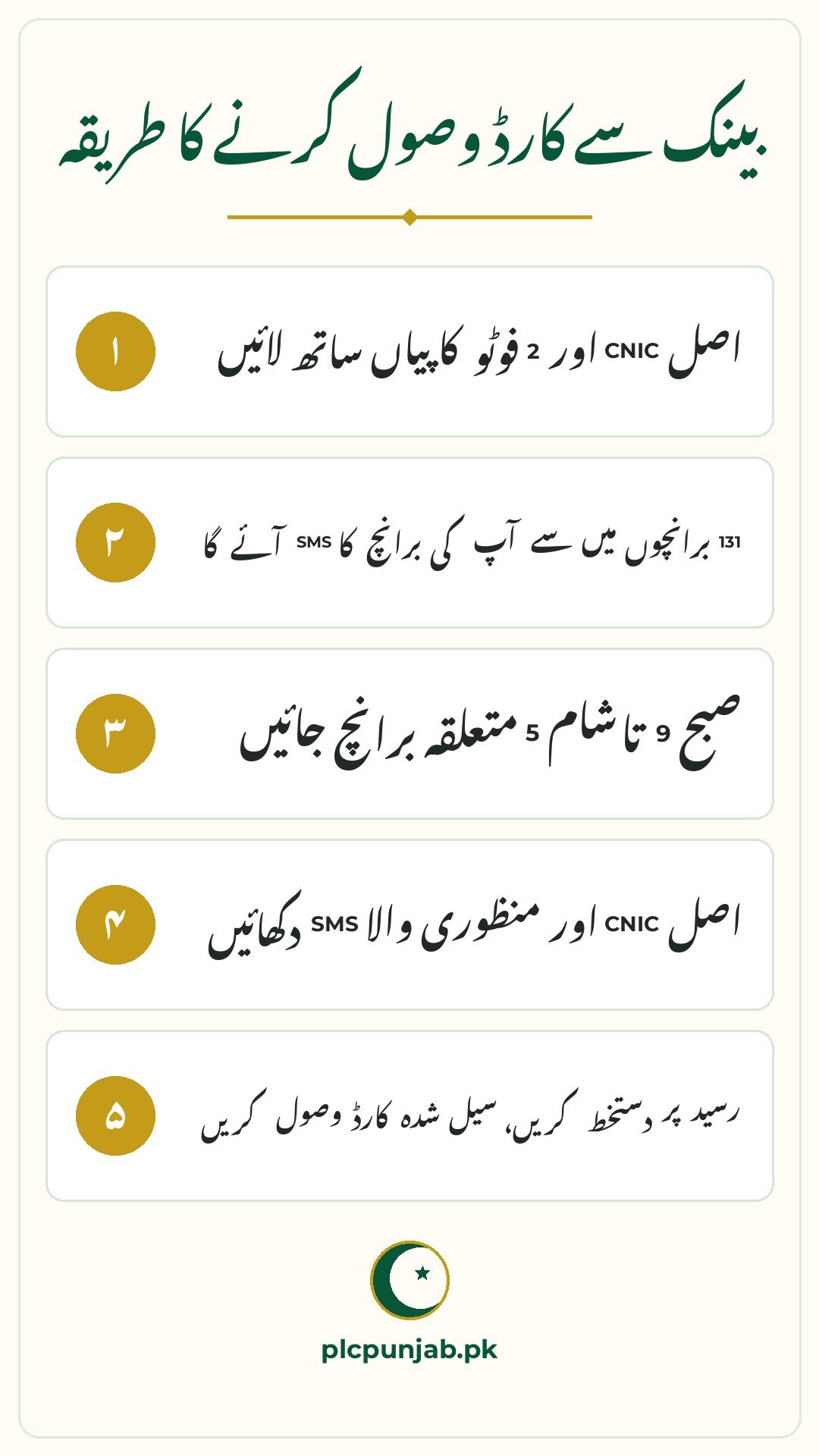
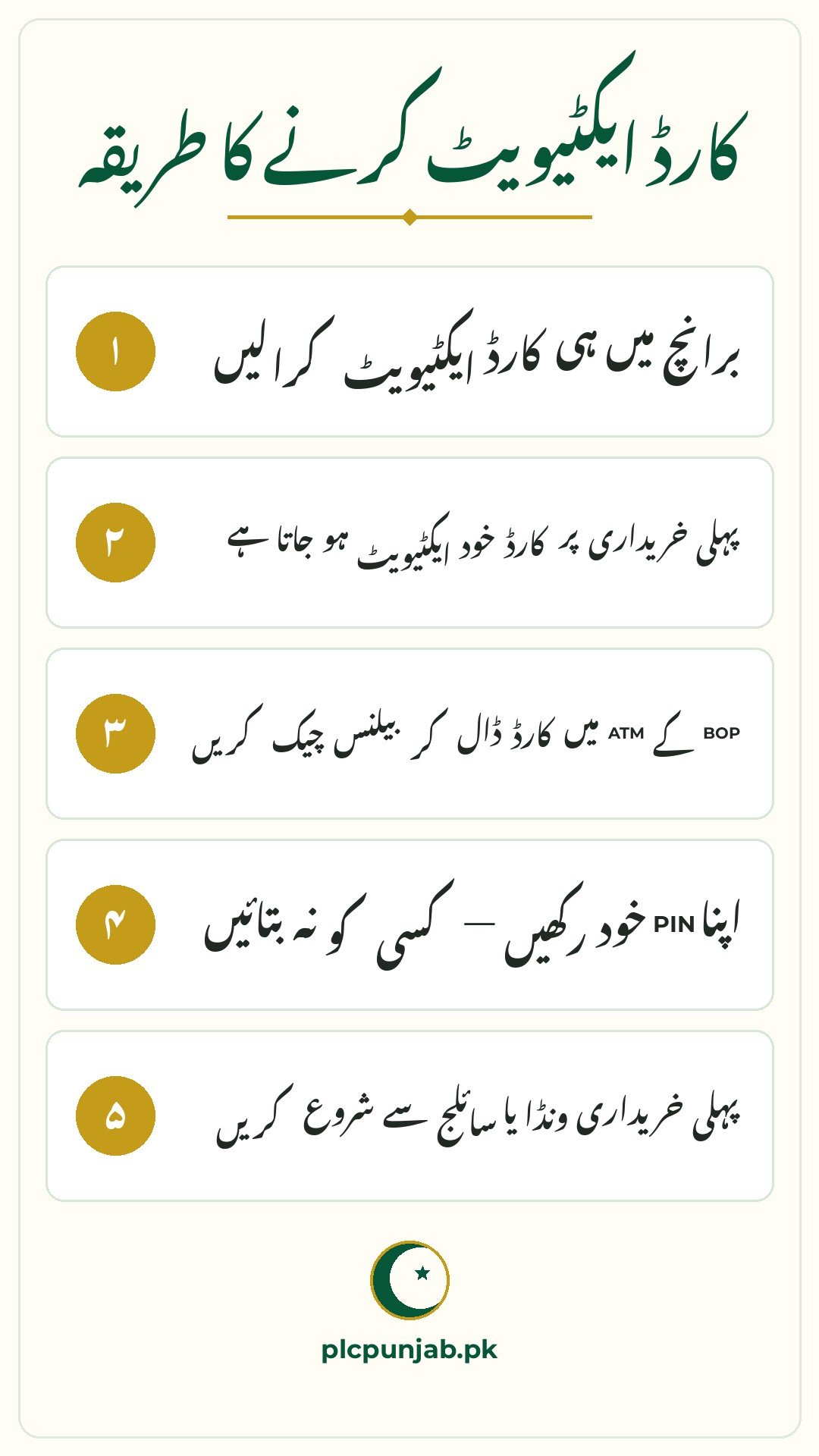
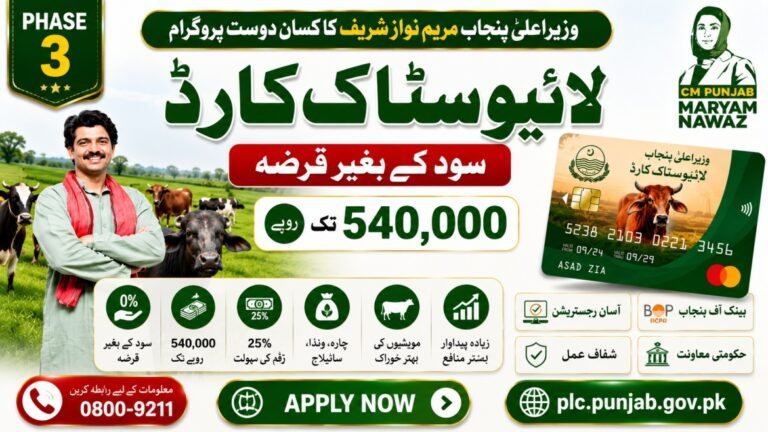
Your Livestock Card is ready — now go and collect it. The Bank of Punjab issues the card through 131 branches across the province in 2026. This guide walks you through collection and activation, step by step, so your first purchase goes smoothly.
Detail
Information
Feature
Livestock Card collection and activation
Bank
Bank of Punjab
Branches
131 branches across Punjab
Bring
Original CNIC and SMS confirmation
Year
2026
Which Branch to Visit
You can collect your card from any of the 131 designated Bank of Punjab branches:
Nearest branch: Visit the Bank of Punjab branch closest to your home
Designated branches: Ask the helpline 0800-09211 which branches handle Livestock Cards in your district
Any branch works: Your card is available at the branch linked to your registration
If you moved since applying, call the helpline to check whether your card was sent to a different branch.
Try NADRA biometric verification first, then revisit
PIN envelope open
Ask for a new PIN immediately — do not use the card
Card not working
Confirm activation via 8070 SMS or visit the branch
Contact Detail
Information
Helpline
0800-09211 (24/7, toll-free)
Bank
Bank of Punjab — 131 branches
SMS Service
8070
Bring
Original CNIC and approval SMS
Department
Livestock & Dairy Development Department, Government of Punjab
Conclusion
Collecting and activating your Livestock Card is easy — one bank visit and one SMS. Take your CNIC, guard your PIN, and start buying quality feed for your animals the same day. Your card is your key to better livestock farming in 2026.
FAQs
Where do I collect my Livestock Card?
From any of the 131 Bank of Punjab branches handling Livestock Cards. Call 0800-09211 to find your nearest one.
What do I need to bring?
Your original CNIC and the approval SMS you received after verification.
How do I activate the card?
The bank officer activates it at collection, or send your card number to 8070 from your registered mobile.
What if my card is not at the branch?
Call 0800-09211 — it may have been sent to a different branch.
Shahzad Sahil is the editor of plcpunjab.pk, covering Punjab government schemes including the Livestock Card, eligibility, registration and latest updates, with information verified from official sources for readers across Punjab.
The CM Punjab Livestock Card is a financial assistance program introduced by the Punjab Government to support livestock farmers through interest-free loans of up to Rs. 540,000. The scheme helps eligible farmers purchase animal feed, silage, mineral mixtures, and other approved livestock inputs without paying interest. By reducing financial pressure, the program aims to improve…
Getting a rejection message for your Livestock Card application feels bad. You were counting on that interest-free loan for your animals, and now the door seems closed. But here is the good news: most rejections happen for small, fixable reasons. A wrong CNIC digit, untagged animals, or a missed document — these are the usual…
The CM Punjab Livestock Card SMS Registration allows eligible livestock farmers to start the application process by sending a simple SMS to 8070. This option is helpful for farmers who do not have easy access to the internet. However, for applicants who can use the internet, the official online portal (plc.punjab.gov.pk) is generally the better…
Punjab Livestock Card Phase II Eligibility 2026: Who Can Apply for Rs 27,000 Per Animal Loan Phase II of the Punjab Livestock Card offers an interest-free loan of Rs 27,000 for every eligible animal, but the money is not open to every farmer who applies. Eligibility is a test with several separate checks, and failing…
Phase 2 of the Livestock Card is here in 2026, and thousands of new farmers are being registered across Punjab. If you missed Phase 1 — or were rejected — this step-by-step guide shows you exactly how to register in Phase 2, from the first SMS to card activation. Detail Information Feature Livestock Card Phase…
Skip the queues — register for the Livestock Card online from your phone or computer in 2026. The online registration portal is faster, gives you a tracking number, and lets you fix mistakes before submitting. This guide walks you through every screen. Detail Information Feature Livestock Card online registration Portal plc.punjab.gov.pk Needs CNIC, registered mobile,…