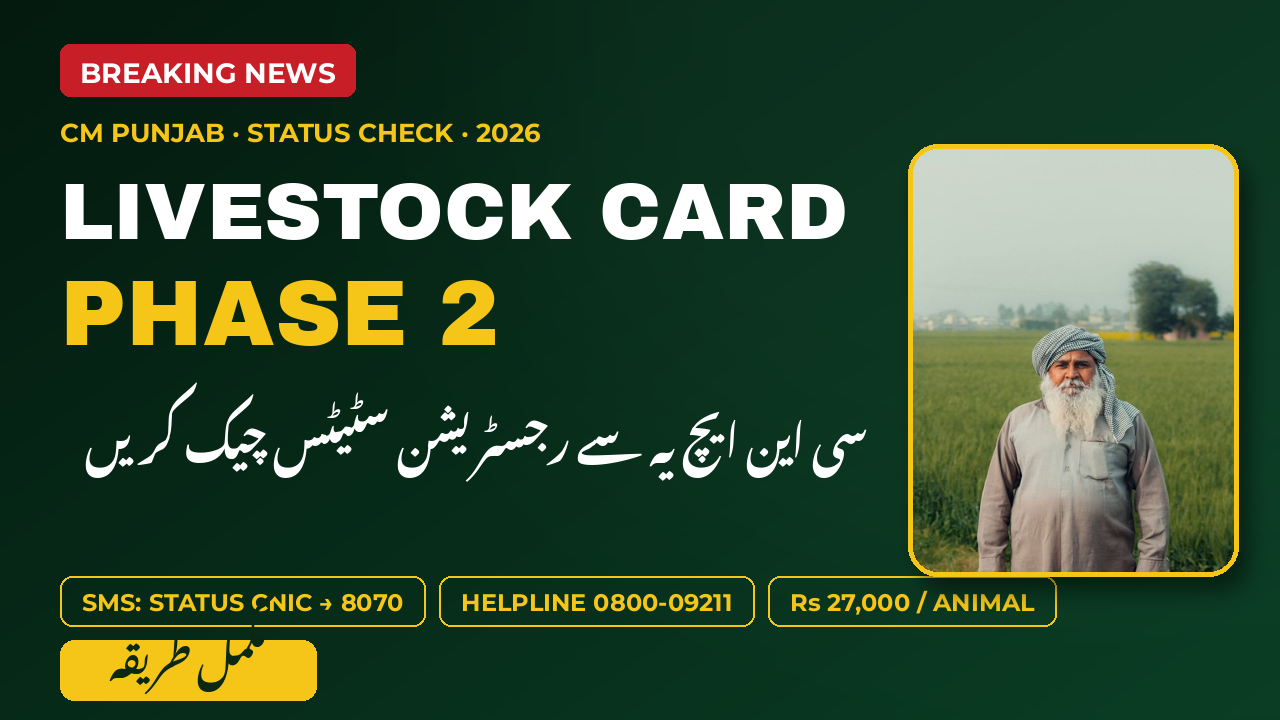
Phase 2 of the CM Punjab Livestock Card was launched on 14 October 2026 by Chief Minister Maryam Nawaz Sharif, bringing Rs16.2 billion in interest-free loans at Rs27,000 per animal for Punjab’s livestock farmers. Since then, thousands of farmers have registered through the 8070 SMS service and the online portal. After registering, every applicant has one question: is my application accepted? This guide shows every official way to check your Livestock Card Phase 2 registration status using your CNIC — online, by SMS, by helpline, and in person — plus what each status means and what to do if yours is rejected.
Detail
Information
Scheme
CM Punjab Livestock Card Phase 2
Status Check Method
CNIC (13 digits, no dashes)
Method 1
Online portal: plc.punjab.gov.pk
Method 2
SMS “STATUS” + CNIC to 8070
Method 3
Helpline 0800-09211 (24/7)
Year
2026
Why Checking Your Status Matters
Registration is only the first step. Your application passes through several checks before you receive the card, and a small error can pause or reject it. Checking your status early helps you:
Catch CNIC mistakes: one wrong digit in the registration SMS means the application belongs to a different CNIC — or to nobody.
Know your reference number: the confirmation message carries a reference you will need for every later step.
Respond to inspections: the department physically verifies your animals before approval; you may be asked to be present.
Collect your card on time: cards are issued through Bank of Punjab branches, and you do not want to miss the call.
Fix rejections fast: many rejections are fixable — an expired CNIC, an unregistered SIM, or animals not yet ear-tagged.
A status that shows “under verification” for weeks is normal. A status that never moves, or an SMS you never received, is not — follow the methods below.
The official portal of the scheme is plc.punjab.gov.pk. If you have internet on your phone, this is the most detailed method — you see your exact stage instead of a one-line reply. Follow these steps:
Open the portal: type plc.punjab.gov.pk in your browser on mobile or computer.
Find the status section: look for the application or registration status area on the homepage.
Enter your CNIC: type your 13-digit CNIC number with no dashes or spaces.
Enter your reference number: use the reference from the confirmation SMS you received when you registered.
Read your status: the portal shows your current stage — received, under verification, physical inspection pending, approved, or rejected.
Save a screenshot: keep a photo of the status page on your phone as proof of your application.
Lost your reference number? Do not worry — check by SMS below, which works with your CNIC alone. Full registration help is in our Phase 2 registration guide.
Check Status by SMS on 8070
No internet? The 8070 short code is the scheme’s official SMS gateway, and it answers with your status in minutes. This method needs only your CNIC:
Open your SMS app: create a new message to 8070.
Type STATUS, then your CNIC: for example, STATUS 3520212345678 — the word STATUS, one space, then your 13-digit CNIC with no dashes.
Use your own SIM: send from the mobile number registered in your own name, the same one you registered with.
Keep a small balance: standard SMS charges apply, so keep a few rupees on the SIM.
Read the reply: the system sends your current registration status and the next steps.
No reply within 30 minutes? check your balance, resend once after an hour, and call 0800-09211 if nothing arrives within 24 hours.
Every 8070 code — registration, status, balance, and card activation — is listed in our complete 8070 SMS guide. Never send money or share your PIN with anyone who contacts you after you text 8070; real scheme messages never ask for cash.
Call the 24/7 Helpline 0800-09211
The Livestock Department runs a free round-the-clock helpline at 0800-09211. A human operator can check your application in the system and explain exactly where it stands — useful when the portal confuses you or the SMS never arrives. Before you call, keep these ready:
Your 13-digit CNIC number (the one on the application).
Your registration reference number from the confirmation SMS.
The mobile number you registered with.
Your district and tehsil, so the operator can find your record faster.
The call is toll-free. Note the exact status the operator tells you and ask for the next step — for example, whether a physical inspection is scheduled for your village, or which document is missing.
Visit the Veterinary Hospital Help Desk
Every district has government veterinary hospitals with help desks for the Livestock Card scheme. This is the best option if your online methods fail or your status has been stuck for a long time. Carry these with you:
Your original CNIC and one photocopy.
The mobile phone with the registered SIM.
Any SMS the scheme sent you, especially the confirmation message.
Details of your animals — count and type (cow, buffalo, calf, sheep, goat).
The staff can look up your record in the SPMS-9211 system, confirm whether your animals are registered and ear-tagged, and tell you if a field inspection is pending. If your animals were never registered with the department, this visit can also start that process — unregistered animals are one of the top reasons for rejection.
Status
What It Means
Received
Your application is in the system. Verification has not started yet.
Under verification
Your CNIC and mobile details are being checked. Wait a few days.
Physical inspection pending
A livestock officer will visit to verify your animals. Keep them at home and be available.
Approved
You passed verification. Your card will be issued through Bank of Punjab.
Rejected
Something failed the checks. Read the reason below and reapply if it is fixable.
Card issued
Your card is ready for collection at your assigned Bank of Punjab branch.
Rejected or Delayed? What to Do Next
A rejection is not the end of the road — most rejection reasons are fixable, and Phase 2 accepts farmers who were rejected in Phase 1. The most common causes:
Wrong CNIC digits: re-register with the correct 13-digit number.
SIM not in your name: the system matches the mobile number with the CNIC — register a SIM in your own name and apply again.
Expired CNIC: renew your card at NADRA, then reapply.
Animals not registered: get your animals registered and ear-tagged at the veterinary hospital first.
Bank loan defaulter: clear outstanding government loans; defaulters are not eligible.
Duplicate application: one card per family — check if a family member already holds a card.
If your status shows “under verification” for more than a couple of weeks, call 0800-09211 with your reference number rather than waiting silently. And remember the rule that protects every farmer: nobody can get your application approved faster for a fee. Anyone asking for money is a fraudster — report them to the helpline.
Conclusion
Checking your Livestock Card Phase 2 status by CNIC takes only a minute: text STATUS plus your CNIC to 8070, open the official portal at plc.punjab.gov.pk, call the free 24/7 helpline 0800-09211, or visit your veterinary hospital help desk. Apply early, keep your CNIC and SIM details correct, keep your animals registered and ready for inspection, and reapply if you are rejected for a fixable reason. With Rs16.2 billion in interest-free loans flowing in Phase 2, making sure your registration is accepted is the most important step of all.
FAQs
How do I check my Livestock Card status by CNIC?
Text the word STATUS, a space, and your 13-digit CNIC to 8070 from your own registered SIM, or enter your CNIC on the official portal’s status section.
What number do I text to check my status?
8070. The status-check format is “STATUS” followed by your CNIC number.
Does checking the status cost anything?
The SMS costs standard network charges; the helpline 0800-09211 is toll-free, and the portal is free.
What if I get no reply from 8070?
Wait 30 minutes, confirm your SMS balance, resend once after an hour, and call 0800-09211 if there is still no reply within 24 hours.
Can I check someone else’s status with their CNIC?
The SMS method matches the sending SIM with the CNIC, so always check from the registered SIM of the applicant.
How long does approval take after registration?
There is no announced fixed timeline — verification includes checks on your CNIC, SIM, and a physical inspection of your animals. If your status does not move for a couple of weeks, call the helpline with your reference number.
Shahzad Sahil is the editor of plcpunjab.pk, covering Punjab government schemes including the Livestock Card, eligibility, registration and latest updates, with information verified from official sources for readers across Punjab.
Under Livestock Card Phase 2, the per-animal loan is confirmed at Rs27,000. A farmer with 20 animals can now get up to Rs540,000 interest-free. The government pays all the interest. Punjab’s livestock farmers have great news. The Livestock Card Phase 2 brings a fresh update on the loan amount. Every registered farmer will get Rs27,000…
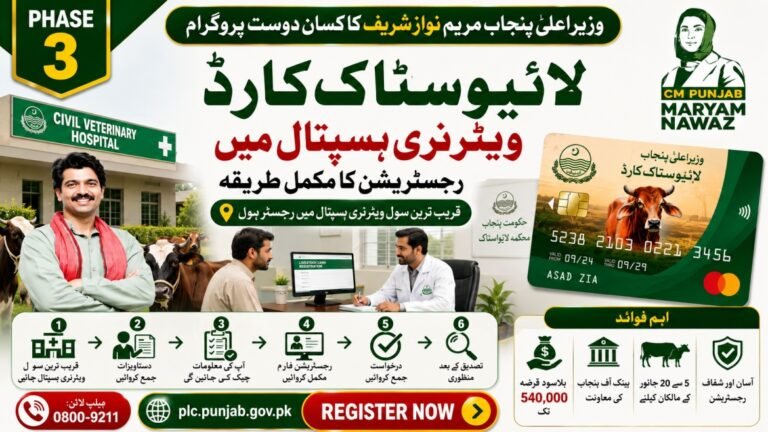
The CM Punjab Livestock Card can be registered not only through the online portal but also by visiting a Civil Veterinary Hospital. This offline method is especially useful for farmers who do not have internet access or need help completing the registration process. Trained staff at government veterinary hospitals can guide applicants, verify their information,…
The CM Punjab Livestock Card Online Registration Form Phase 3 allows eligible livestock farmers in Punjab to apply for an interest-free loan through the official plc.punjab.gov.pk portal. The online system makes registration simple by allowing applicants to submit their details digitally. Farmers who meet the eligibility criteria can complete the application and wait for official…
Skip the queues — register for the Livestock Card online from your phone or computer in 2026. The online registration portal is faster, gives you a tracking number, and lets you fix mistakes before submitting. This guide walks you through every screen. Detail Information Feature Livestock Card online registration Portal plc.punjab.gov.pk Needs CNIC, registered mobile,…
CM Punjab Maryam Nawaz officially launched Livestock Card Phase 2 on 14 October 2026 in Lahore. Rs16.2 billion in interest-free loans will be given for 600,000 animals over two years. Registration is open now. On 14 October 2026, Punjab CM Maryam Nawaz launched Phase 2 of the Livestock Card in Lahore. This is big news…
The CM Punjab Livestock Card Status allows applicants to track the progress of their registration after submitting the online application. Farmers who have already registered through plc.punjab.gov.pk can check whether their application is under verification, approved, or requires additional information. Knowing your application status helps you stay updated and complete any remaining verification steps without…