Many beneficiaries of the Benazir Income Support Programme know the worry of reaching a payment point, completing a fingerprint check, and then hearing that the payment cannot be released. A shared update now reports that BISP Error 99 problems and blocked cards may have been resolved, which has raised fresh hope among people whose payments were stuck. This guide explains what the update says, what it does not confirm, and the safe steps to check your payment status.
Point
Detail
Issue
Error 99 and blocked cards during payment
Latest report
Problems reportedly resolved, per a shared update
Official confirmation
Not yet confirmed by BISP officially
First step
Check your own status before travelling
Helpline
0800-26477
What Is Error 99?
Error 99 is a message that beneficiaries have reported when a payment cannot be completed at the payment point. In simple words, the system did not clear the transaction at that moment, even though the beneficiary may be eligible.
When it appears: usually during fingerprint verification or at the final payment step.
What it does not mean: it does not by itself prove that a person has been removed from the programme.
Why it worries people: a failed attempt can look like a lost payment, especially after a long journey.
What to remember: one failed attempt is a reason to check your status, not a reason to panic or pay anyone.
According to the shared update, blocked cards have been linked mainly to repeated fingerprint attempts. When verification fails again and again, the system may block further attempts as a safety step. This protects the account, but leaves the beneficiary without cash until the block is cleared.
Repeated attempts: several failed fingerprint tries in a row can trigger a block.
Worn fingerprints: hands affected by hard manual work can be harder for machines to read.
Wrong details: a mismatch in the record can also stop a payment from going through.
Old information: an outdated survey record can create problems at verification time.
What the Latest Update Reports
The shared update reports that Error 99 payment issues and blocked cards have now been resolved, and that affected beneficiaries may be able to receive their payments. This is encouraging, but treat it carefully: it is a report, not an official BISP announcement, and it does not guarantee every case is fixed.
What is reported: the Error 99 problem and blocked cards are reportedly resolved.
What is not confirmed: BISP has not officially confirmed a blanket fix for all cases.
What varies: each beneficiary record is different, so results may differ from person to person.
What to do: check your own status first, rather than assuming your payment is ready.
How to Check Your Payment Status
Before travelling to a payment point, check whether your payment is ready. This saves time, transport cost, and failed attempts that could cause a fresh block.
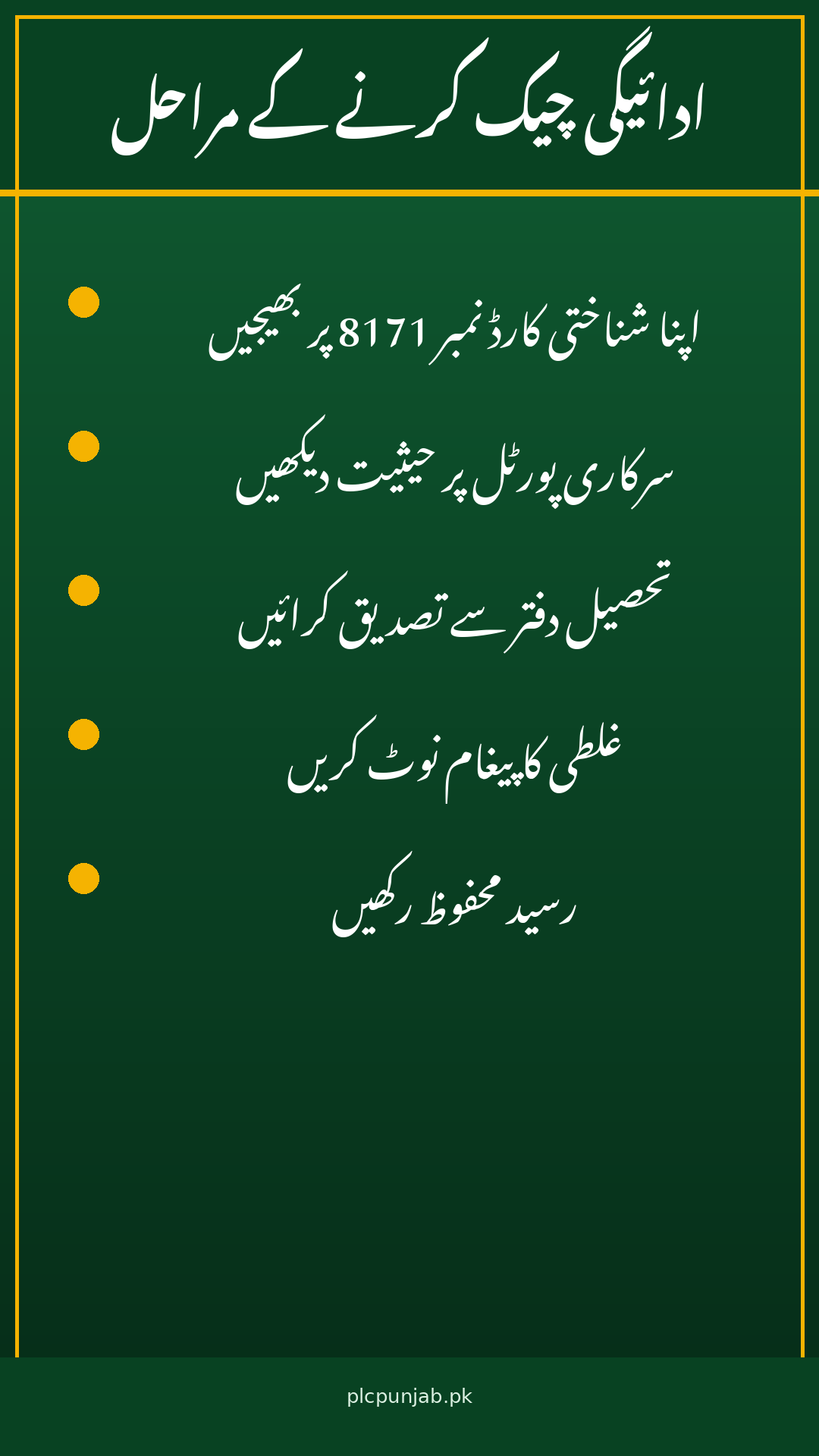
Use 8171: send your CNIC number to 8171, the only official BISP SMS number, to check your status.
Check the portal: visit the official portal at 8171.bisp.gov.pk for status information.
Visit the tehsil office: the nearest BISP tehsil office can confirm your record and guide you.
Keep your CNIC ready: carry your original CNIC for every check and every visit.
Note the message: write down exactly what the system tells you, so staff can help faster.
Steps If Your Card Is Blocked
If your card is blocked or your payment still fails, follow the official route. Do not let any private person offer to unblock your card for a fee.
Stop repeated tries: do not keep trying fingerprints after several failures.
Go to an authorised centre: visit the BISP tehsil office or an authorised payment point.
Explain the error: tell staff the exact error message and when it appeared.
Ask for biometric help: staff can guide you through alternative verification steps.
Keep every receipt: keep slips and messages safe until the payment is received.
How to Protect Your Payment
Payment problems attract fraud, because worried beneficiaries are easier to mislead. A few simple habits can protect your money and personal information.
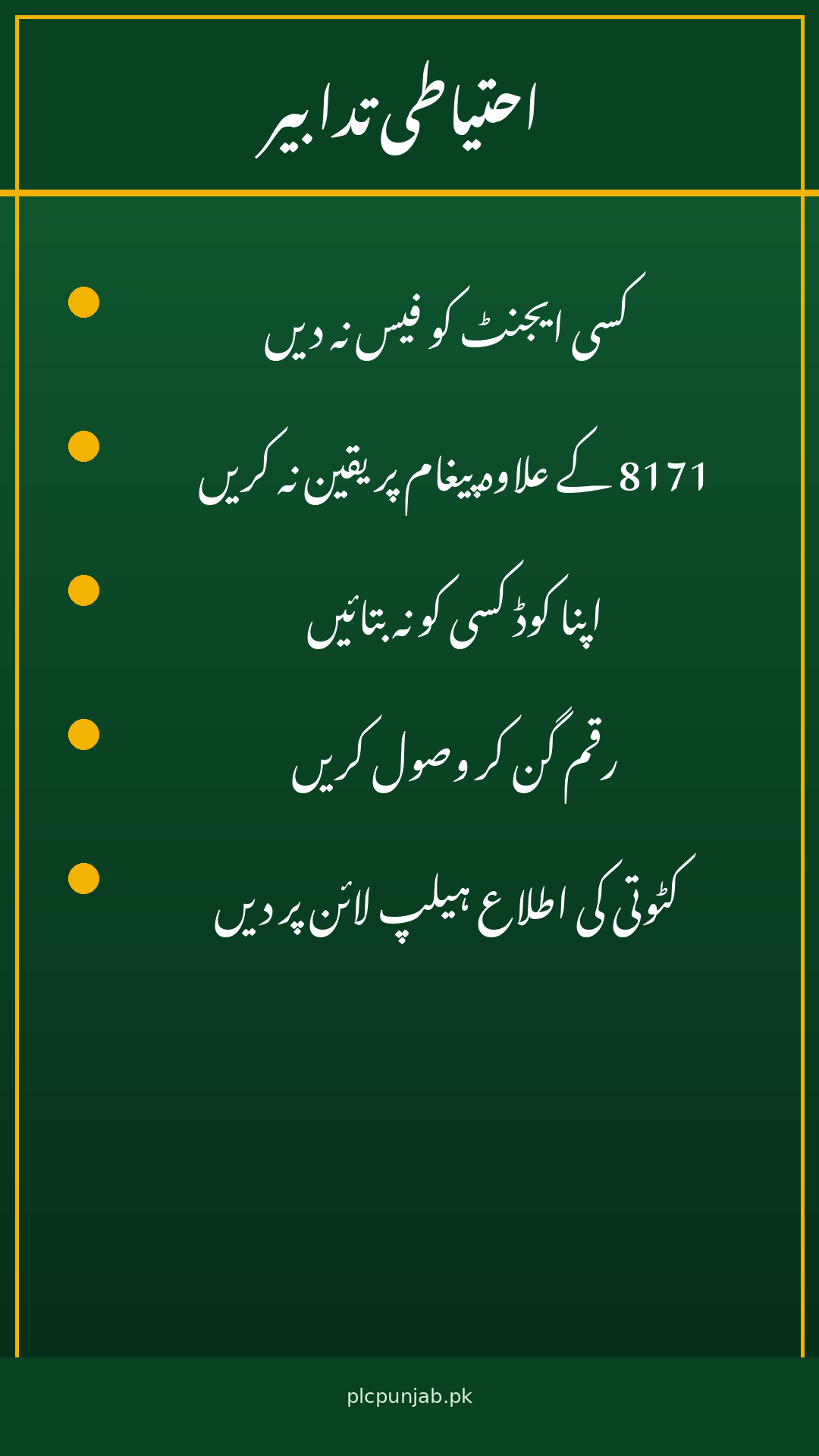
Never pay agents: BISP services are free, and no agent can release your payment early.
Trust only 8171: genuine BISP messages come only from 8171, not from private numbers.
Do not share codes: never share any code, PIN, or CNIC copy with strangers.
Count before leaving: count the full amount at the counter and take a receipt.
Report deductions: if anyone deducts money, report it to the helpline at once.
The report that Error 99 and blocked-card problems have been resolved is good news for beneficiaries who waited through failed attempts, but it is not yet official confirmation covering every case. Check your status through 8171 or the official portal, visit an authorised centre if your card is still blocked, and never pay anyone to fix the problem. If your payment is ready, collect the full amount, count it, and keep your receipt safe.
FAQs
Is Error 99 officially resolved for everyone? No. A shared update reports that the problem has been resolved, but BISP has not officially confirmed a blanket fix, so individual cases may still need checking.
What should I do first if my payment failed? Check your status by sending your CNIC to 8171 or visiting the official portal, then visit the tehsil office if the problem continues.
Can an agent unblock my card for a fee? No. BISP services are free, and you should never pay an agent or share your personal details with one.
Shahzad Sahil is the editor of plcpunjab.pk, covering Punjab government schemes including the Livestock Card, eligibility, registration and latest updates, with information verified from official sources for readers across Punjab.
The Punjab Public Holiday 9 November 2026 is now confirmed. The Punjab government has announced a public holiday across the province on Monday, 9 November 2026, to mark Iqbal Day, the birth anniversary of Pakistan’s national poet, Allama Muhammad Iqbal. The announcement ends the uncertainty for government employees, students and families who were waiting to…
Green Tractor Scheme Latest Update 2026: Phase IV Result and Phase V Progress September and October 2026 moved very fast for the Punjab Green Tractor Scheme, and many farmers are now confused about what is done and what is still pending. Here is the simple picture. Phase IV is complete till the balloting stage, and…
After a death in the family, one document becomes urgent for almost every later step: the death certificate. Banks, pension offices and property matters all ask for it. In Punjab, the Punjab Death Certificate is issued by the Union Council, and under the 2025 rules it is free for up to seven years. Families can…
The Punjab PSER Survey Registration 2026 is the doorway to almost every Punjab government support scheme, because the province now decides eligibility from one household database instead of separate lists. PSER stands for the Punjab Socio-Economic Registry, run by the Punjab Social Protection Authority, and it records your family, income, housing and assets. If your…
For an industrial worker, a visit to the doctor usually means a lost day of wages. You travel to a hospital, wait in a long queue, and return home tired with a small paper slip in your hand. The Punjab Social Security Mobile Health Programme tries to change that daily struggle. Launched in Lahore on…
Lahore’s air turned dangerous again at the start of November, and parents are asking the same question every smog season: are schools closing? According to the latest official position, the Punjab Smog November 2026 situation is serious, with Lahore’s air quality index reaching 509 on Monday 2 November, yet no school closure has been ordered…