If you applied for the CM Punjab Laptop Scheme Phase 2 in 2026, one question matters more than any other: is your name on the merit list? The answer is not found on a public search page. Selection is checked in two honest ways only, through your own login on the official portal and through the lists displayed by your university or college. This guide explains both methods step by step, what every portal status means, and what to do if your name is missing.
Detail
Information
Scheme:
CM Punjab Laptop Scheme Phase 2, 2026
Run by:
Higher Education Department, Government of Punjab
How to check:
Official portal login with CNIC and password, or your institution’s own merit list
Public CNIC search:
Does not exist; any page offering one is fake
Distribution:
Ceremonies began on 15 October 2026 and are continuing division by division
Cost:
Completely free at every stage; never pay anyone
How the Merit List Really Works
No public search page: There is no official website where you type a CNIC and see a province-wide merit list, because applications contain personal documents that must stay private.
Individual login: Your application status sits behind your own account on the official portal, protected by the CNIC and password you used when you applied.
Institution lists: Universities and colleges display their own printed merit lists for their own students, which is the second official channel for checking selection.
Verification first: Before any name is treated as selected, the institution and the department verify enrolment, marks and documents, so a list is never drawn on marks alone.
Division-wise ceremonies: Distribution events are organised by division and institution, which is why students in different cities hear their news on different dates.
Free at every stage: The scheme charges nothing for applying, checking status or receiving a laptop, so any person or page asking for a fee is running a fraud.
One honest design: Keeping results behind logins and institutional lists protects your data, and once you accept that, checking your status becomes a simple two-channel job.
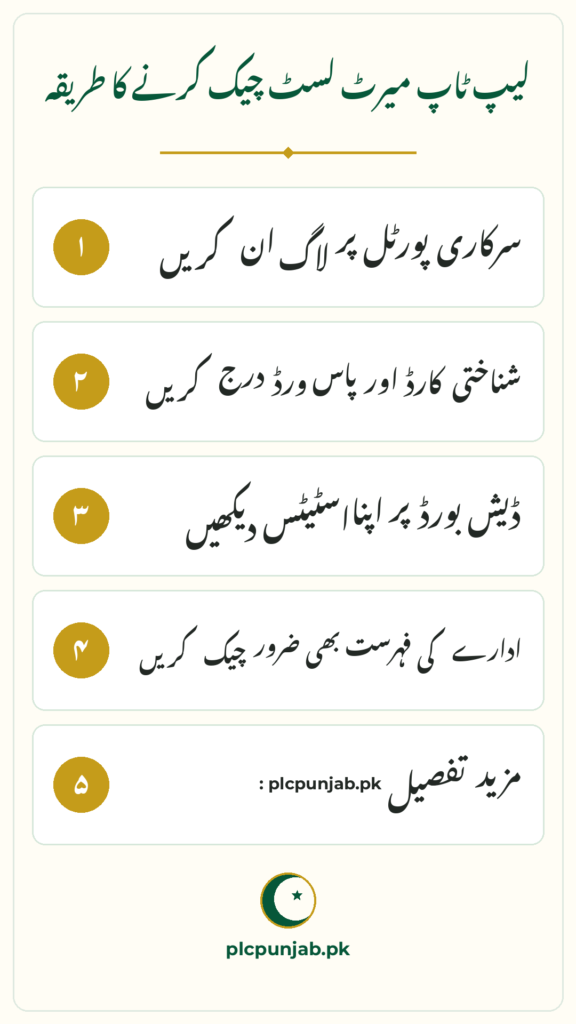
Open the official portal: Go to cmlaptophed.punjab.gov.pk in your browser, and use only this address for logging in.
Find the login option: Look for the login for existing applicants, rather than the new registration form, because Phase 2 applications are already closed.
Enter your CNIC exactly: Type the CNIC number exactly as you registered it, without dashes unless the form asks for them, since a single wrong digit blocks the login.
Enter your password: Use the password you set during sign-up, and keep it private, because anyone with it can open your personal application record.
Read your dashboard status: Your dashboard shows your current application position, and selected students see their distribution date and venue there as their division’s ceremony approaches.
Check again after a few days: Statuses change as verification and ceremony schedules move forward, so a status that looks unfinished today may update during the week.
Forgot your password: Do not create a second account or pay someone to recover it; ask your institution’s focal person how the department handles login problems for its students.
Ignore lookalike pages: Pages with similar names that promise an instant CNIC result are not official, and entering your CNIC there puts your personal data at risk.
Check the List at Your Institution
Visit the notice board: Universities and colleges display printed merit lists of their own students, so a short visit to your department can settle the question directly.
Meet the focal person: Every institution has a focal person for this scheme, and that officer is the official human contact for queries about your record.
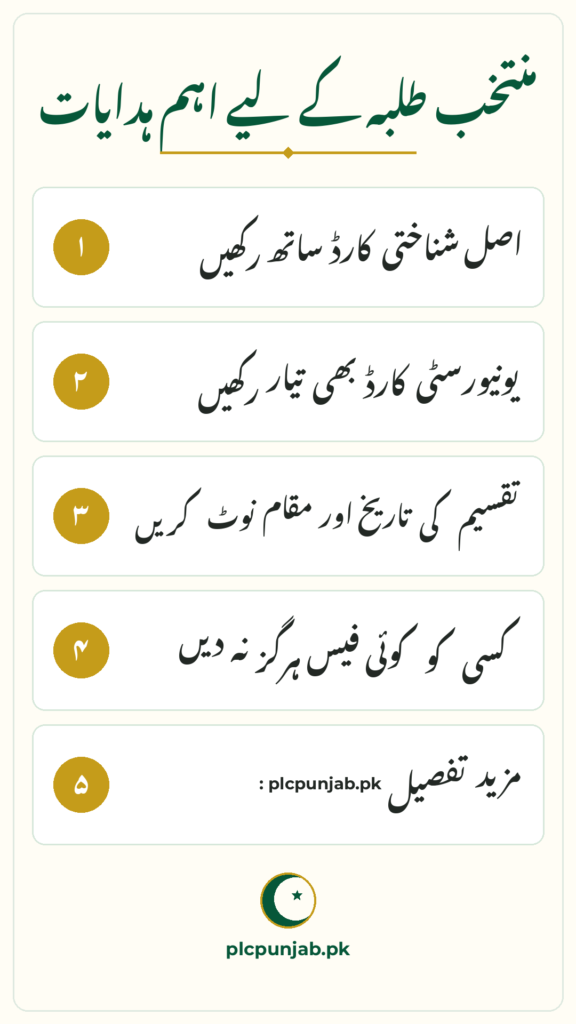
Carry original documents: Take your original CNIC, university or college ID and result cards, because the focal person can only check a record properly against real documents.
Ask about corrections: The formal grievance window for corrections ran from 2 to 6 June 2026 and is now closed, but the focal person remains your best contact for understanding your record.
Ask about ceremony calls: Institutions also inform their own selected students about distribution events, so your department often knows your ceremony date before you do.
Use both channels: If the portal confuses you, the institutional list gives you a second answer, and if the two seem to disagree, the focal person can explain why.
What Each Portal Status Means
Selected: You have been chosen for a laptop, so watch for your distribution date and venue and keep your original CNIC and institutional ID ready.
Verified: Your data has passed verification, which puts you on the right track toward selection, although it is not by itself the final selection word.
Pending Verification: Your verification is still in progress, which is not a rejection, so check again after a few days and speak to your focal person if nothing changes.
Rejected: Your application failed a check somewhere in the process, and only your institution’s focal person can tell you the exact reason from your record.
Not Eligible: You did not meet the scheme’s criteria, such as the marks, semester or enrolment condition, so review the eligibility rules before any future round.
Status wording varies: Portals sometimes show slightly different words for the same stage, so read the full message on your dashboard rather than reacting to one word alone.
If Your Name Is Missing
Do not panic first: A missing name feels terrible, but most causes have nothing to do with your merit, and several of them can be explained in one visit.
Document mismatch: A wrong CNIC digit, a wrongly typed marks entry or a missing document can hold an application back until the record is corrected.
Verification gap: If a biometric or institutional check was never completed, the application cannot move forward, no matter how strong the marks are.
Eligibility gap: A marks or semester condition that was not met will keep a name off the list, and this is worth confirming rather than guessing about.
Institution data: Sometimes a university never sent a student’s data forward, which is an institutional problem that only the focal person can confirm.
Simple spelling error: A spelling difference between your form and your documents can split one student’s record in two, so compare the two side by side.
One visit, real answer: Guessing wastes weeks, while one visit with your original documents gives you the real reason and the real next step.
Never pay for a place: Nobody can add your name to a merit list for money, and anyone offering this is a fraud, whatever story they tell you.
Core i7 13th Generation machines with SSD storage and high-speed RAM
Conclusion
There is no public CNIC search for the CM Punjab Laptop Scheme Phase 2 merit list, and that is by design, not by accident. Check your name through your portal login with your CNIC and password, or through the printed lists and focal person at your institution. If you are selected, keep your original CNIC and institutional ID ready and attend on your assigned day, because ceremonies are organised by division and institution through October and November 2026.
FAQs
How can I check my name in the Laptop Scheme Phase 2 merit list? Log in to the official portal at cmlaptophed.punjab.gov.pk with your CNIC and password to see your personal application status. You can also check the printed merit lists displayed by your university or college and ask its focal person.
Is there a website where I can search the merit list by CNIC? No. There is no public national merit list page with a query-by-CNIC tool for this scheme. Statuses sit behind individual logins, and merit lists are published by institutions. Any page offering a public CNIC search is fake.
What does Pending Verification mean on the portal? It means your verification process is still in progress. It is not a rejection. Wait a few days and check again, and if the status does not change, visit your institution’s focal person with your original documents.
My status says Selected. What happens now? Keep your original CNIC and university or college ID ready. Your distribution date and venue appear on the portal or are shared by your institution, and ceremonies are being held division by division in October and November 2026.
Can someone add my name to the merit list for a fee? No. Merit is decided on verified marks and documents, and nobody can buy a place on the list. Anyone asking for money for selection or an early ceremony slot is a fraud.
Shahzad Sahil is the editor of plcpunjab.pk, covering Punjab government schemes including the Livestock Card, eligibility, registration and latest updates, with information verified from official sources for readers across Punjab.
A birth certificate is the first official identity document for a child in Punjab, and parents no longer need to run between offices to get one. Under the Punjab Birth and Death Registration Rules 2025, registration and the computerised certificate are free for up to seven years. Parents can apply through their Union Council, through…
The Punjab Public Holiday 9 November 2026 is now confirmed. The Punjab government has announced a public holiday across the province on Monday, 9 November 2026, to mark Iqbal Day, the birth anniversary of Pakistan’s national poet, Allama Muhammad Iqbal. The announcement ends the uncertainty for government employees, students and families who were waiting to…
If you drive a small car like the Suzuki Mehran, Alto, or Bolan, the PM Fuel Relief Scheme 2026 has real money in it for you. Owners of cars up to 800cc get 30 litres of discounted petrol every month, worth up to Rs 3,000 in savings. This guide explains the car quota, the own-name…
Punjab has taken a major step towards specialised healthcare in its capital, with the Provincial Development Working Party approving the establishment of the Nawaz Sharif Medical District in Lahore at an estimated cost of Rs18.786 billion. The approval came at the PDWP’s 11th meeting of the current financial year, chaired by Planning and Development Board…
Shopkeepers in Lahore are asking the same questions again and again: how much is the fine for littering, what happens if the front of a shop is left dirty, and is burning waste really punished with jail? The Suthra Punjab fine list 2026 answers those questions, but only if you read the current Lahore e-challan…
Young people in Punjab who want a job with an international company can now get free, job-focused training without leaving the province. The PSDF Global Rozgar Programme 2026 is run by the Punjab Skills Development Fund under the Chief Minister’s Hunarmand Naujawan initiative, and it connects trained youth with international Business Process Outsourcing employers. Training…